
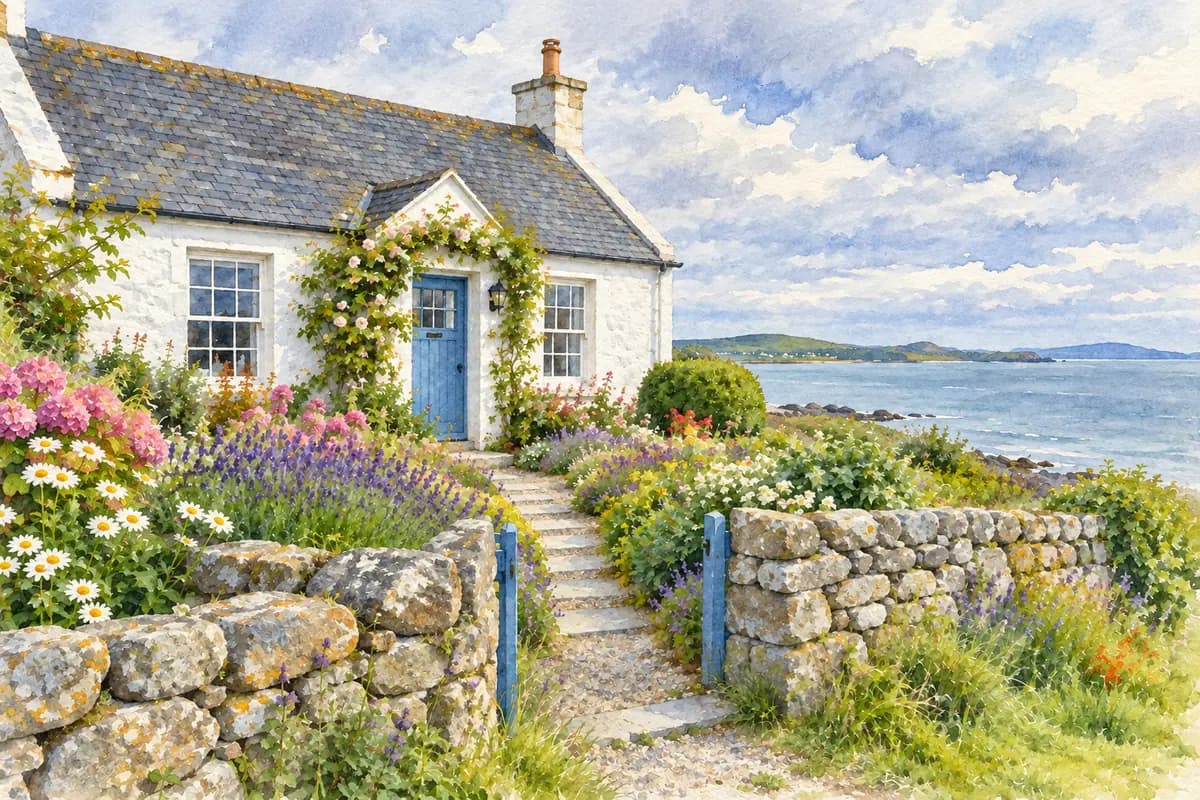
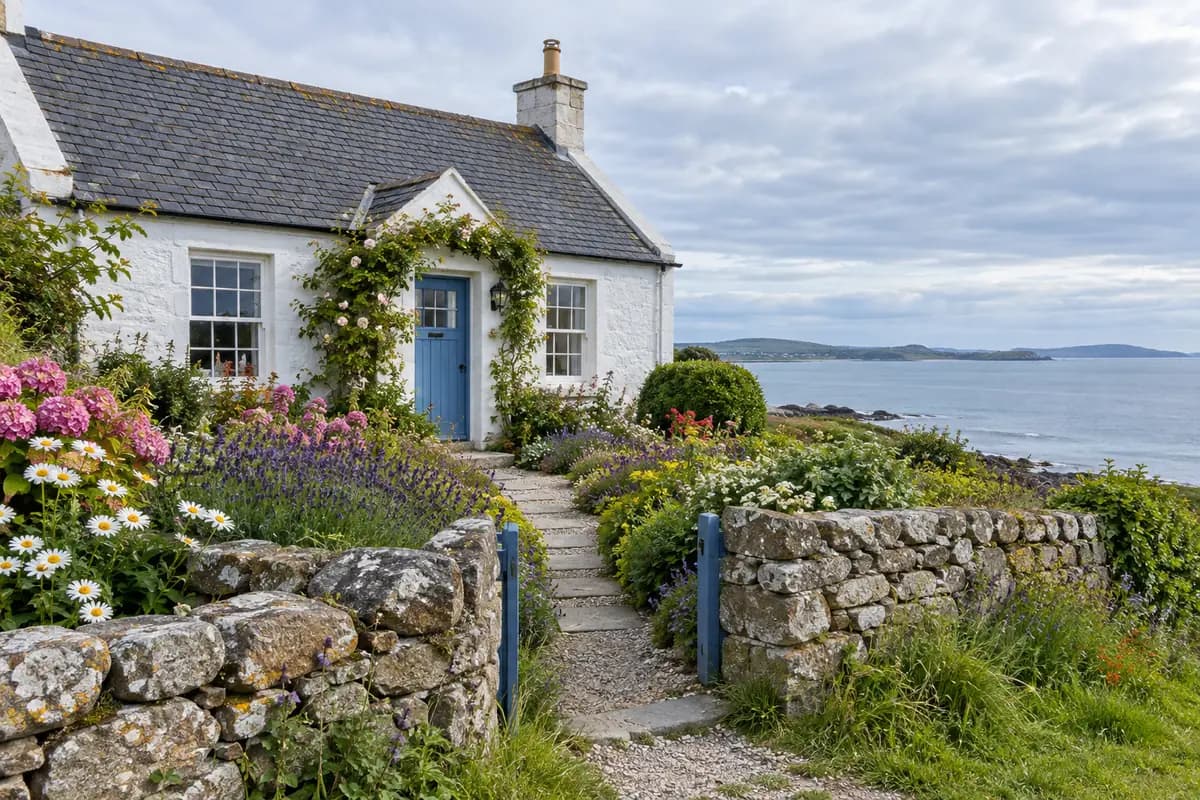
Coastal Cottage Watercolor
Compare the cottage silhouette, roofline, blue door, windows, garden wall, path, horizon, fine detail, and any text-like marks. Watercolor stylization can soften or change these details.
AI Photo to Watercolor Converter
Upload one photo and create a generated watercolor interpretation guided by your choice of wash, palette, paper feel, and important subject details.
Compare three representative source photos with their watercolor interpretations, then inspect the details that matter for your source.
Compare the cottage silhouette, roofline, blue door, windows, garden wall, path, horizon, fine detail, and any text-like marks. Watercolor stylization can soften or change these details.
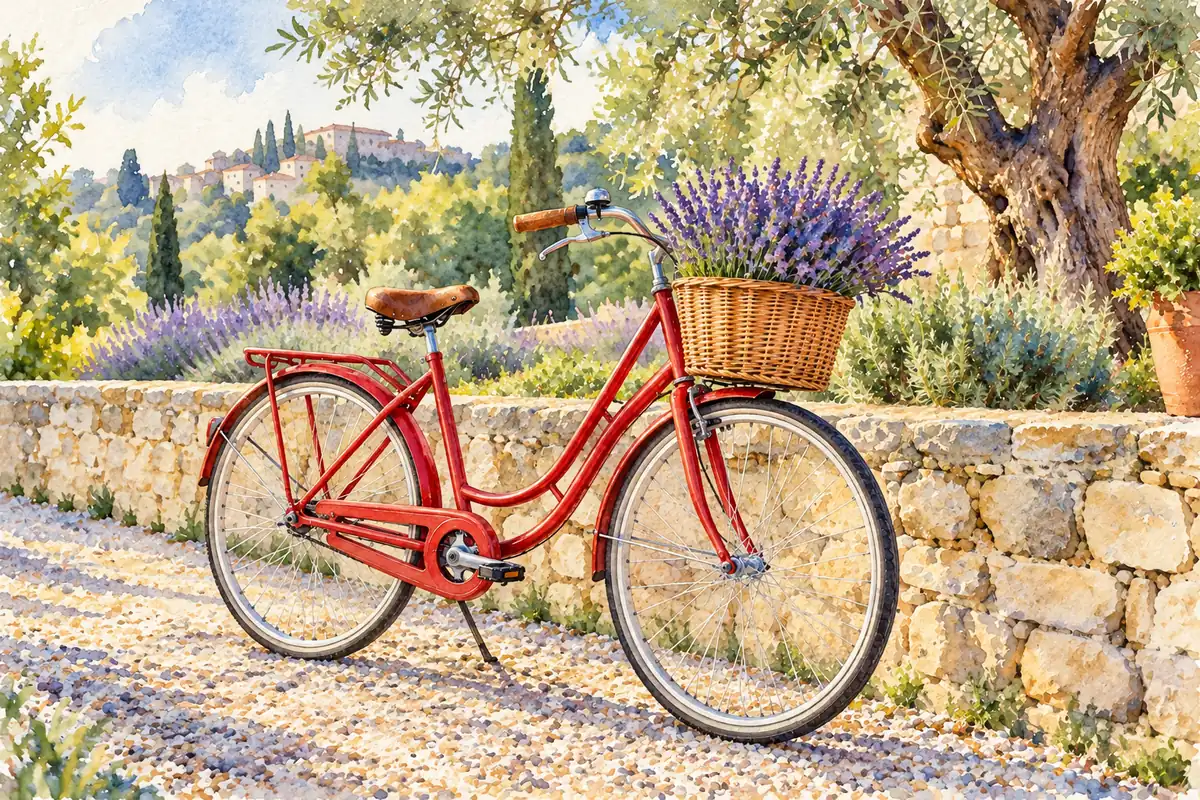
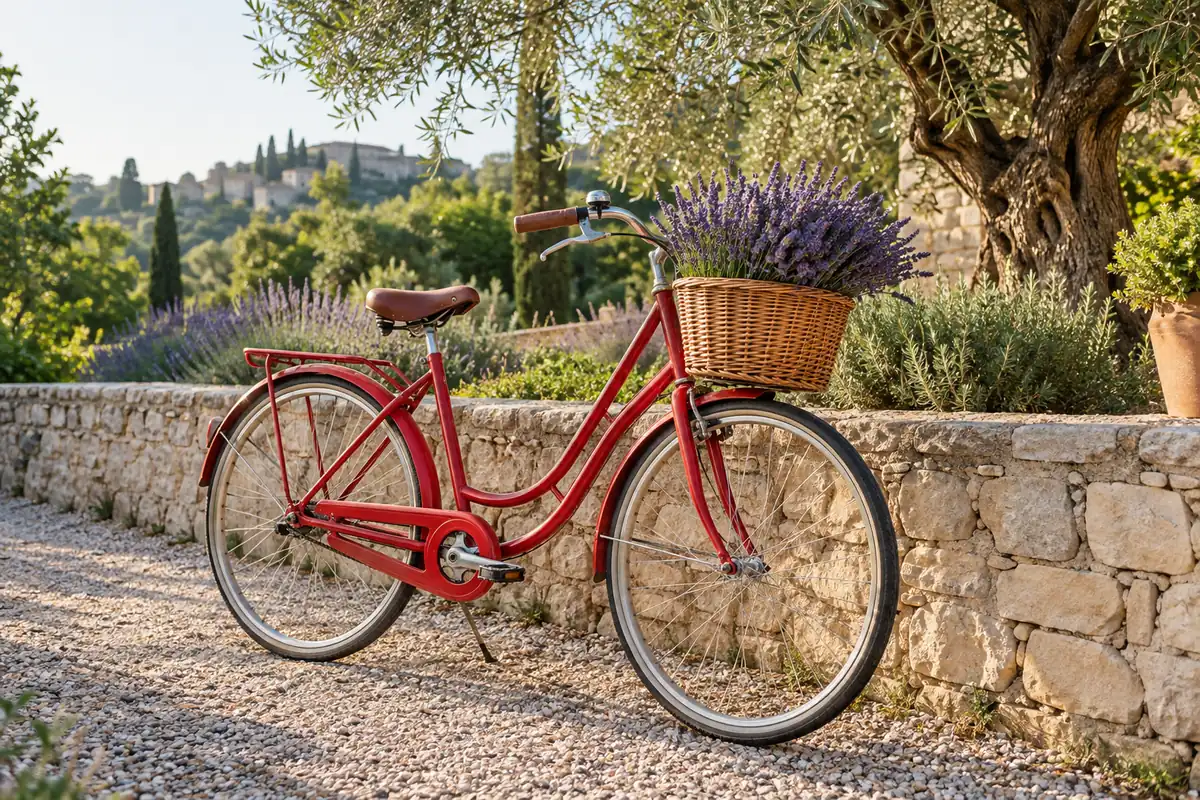
Compare the red bicycle frame, lavender basket, wall, path, and olive tree. The painted interpretation may simplify spokes, foliage, and small edges.
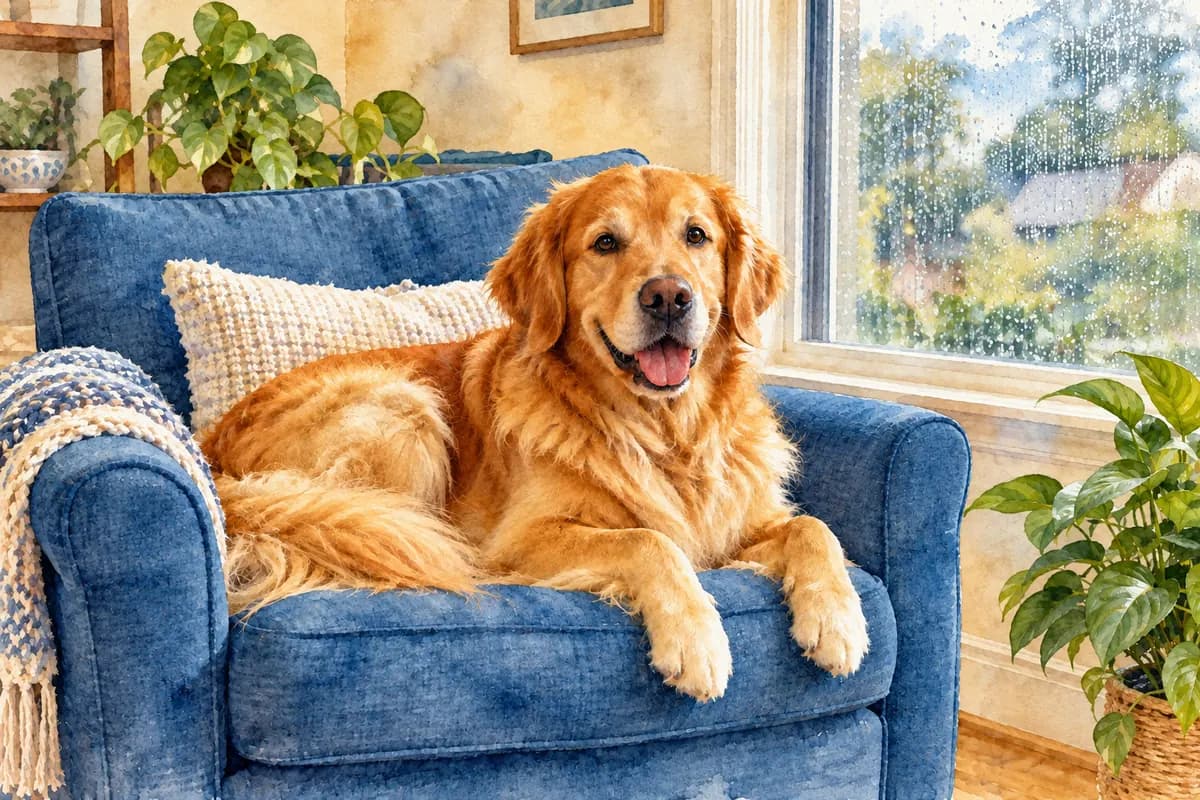
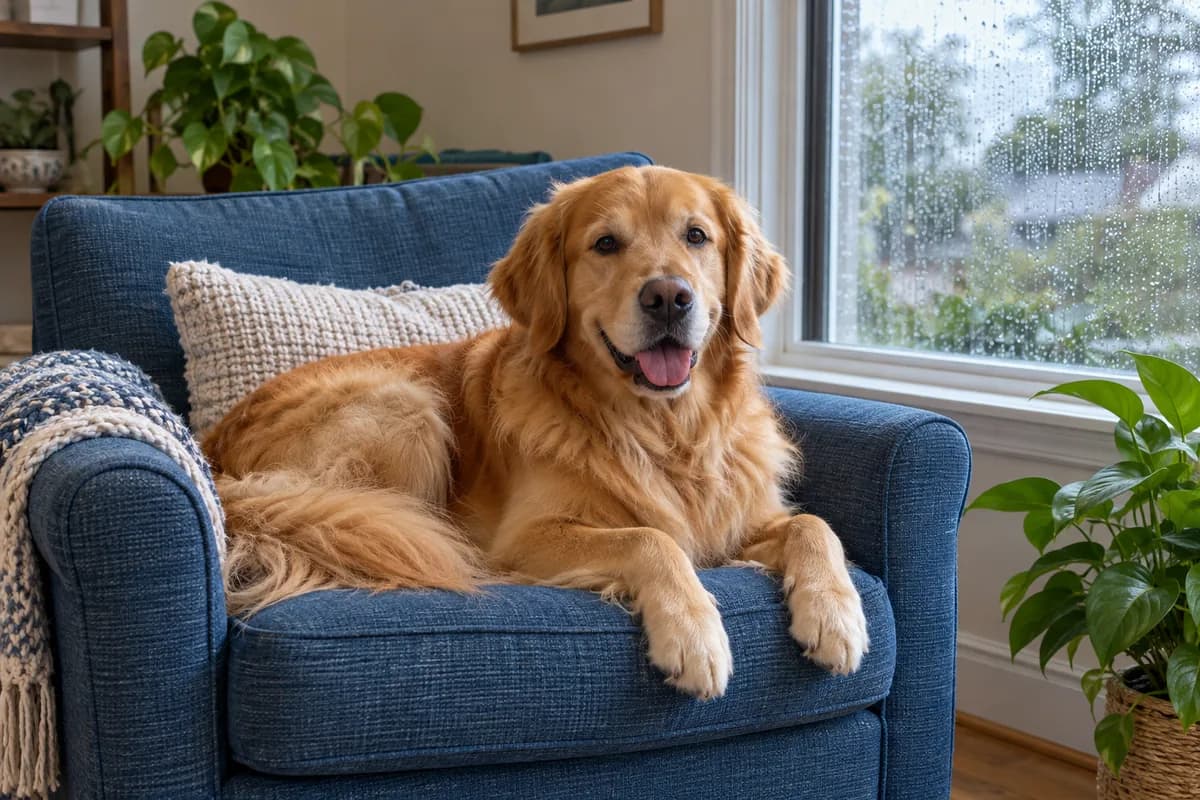
Compare the dog's face, coat, chair, plants, and rainy window. Soft washes can change fur texture and background detail.
Representative example; results vary with the source image, direction, model, and settings.
Why ImgtoImg
Use clear medium direction, name the source anchors, compare independent outputs, and keep the limits visible while you work.
Use the Watercolor painting style, then describe the wash, palette, paper feel, and subject details that matter, helping steer away from a generic treatment.
Name faces, pet markings, rooflines, or horizons for the reference to guide, then check every result for changes in identity, structure, and composition.
Generate up to four independent outputs when one interpretation misses the mood, crop, or detail balance you wanted.
Return to successful results in your private history and download authorized PNG, JPG, or WebP files.
Each generation uses credits. Review the displayed cost before generating.
How It Works
Upload one clear JPG, PNG, or WebP photo that you have permission to use. Choose a source where the main subject and important visual anchors are easy to see.
Start with the Watercolor painting style, add palette, wash, paper-feel, background, and subject-anchor direction, then choose the model, aspect ratio, resolution, and output count, review the displayed credit cost, and generate.
Inspect faces or subject shape, fine detail, composition, and text-like marks, choose the result that fits your direction, and download an authorized raster result as PNG, JPG, or WebP.
Check the source, output, and credit choices before generating a watercolor interpretation.
Treat each result as a generated interpretation and inspect important source details before use.
Faces, hands, text, patterns, and small objects may be simplified or changed by generation.
Wash, pigment, and paper descriptions guide the result but do not reproduce a physical painting process exactly.
Another source or generation can produce a different composition, texture, and level of source fidelity.
Start with 6 free trial credits. Buy more when you need them.
First project
110 credits
GPT at 2K · estimate
Lowest upfront cost
Sign in to continue
Included
Occasional use
440 credits
GPT at 2K · estimate
≈ 25% less / creditvs Starter
Sign in to continue
Included
More room to iterate
1,760 credits
GPT at 2K · estimate
≈ 56% less / creditvs Starter
Sign in to continue
Included
| Model | 1K | 2K | 4K |
|---|---|---|---|
| GPT Image 2 | 3 | 5 | 7 |
| GPT Image 2.5 | 3 | 5 | 7 |
| Nano Banana 2.1 | 2 | 3 | 4 |
Each output is charged separately. Follow-up edits & variations use credits for each new image. Every credit pack supports 1K, 2K & 4K.
Answers about generation, source fidelity, adjacent media, print expectations, files, resolutions, and credits.
2. Choose a style
 Classic Transparent WashLayered transparent color with luminous paper showing through.
These instructions are added to the selected style. Changing styles keeps your details.
OpenAI · Flare · 3 credits per image
Your Watercolor Starts with One Photo
Upload one photo, describe the watercolor direction, then generate.
Your Watercolor Starts with One Photo
Upload one photo, describe the watercolor direction, then generate.